
When something fails, a replacement is needed, not a process
Warranty coordination, RMA and spare-parts fulfilment are managed across your full installed estate, so a hardware failure does not become a weeks-long support escalation.
Lifecycle stage · Maintain
Hardware fails. The support process makes it worse
A device fails. A ticket is raised with the OEM. Proof of purchase, serial number and warranty entitlement are requested. Three days later, a replacement is approved. Another week before it arrives. The team is blocked the entire time.
More context
Multiply that across a large estate, multiple OEMs, different warranty terms, different support tiers, and warranty management becomes a full-time job nobody was hired to do.
Warranty, RMA and spare parts handled across your full estate
Warranty validation, RMA coordination and spare-parts fulfilment are handled across OEMs and hardware categories, in-warranty, out-of-warranty, critical spares and hard-to-find parts, against a defined response SLA.
Warranty, replacement and spares across the estate
Warranty Coordination
Warranty entitlement validated, claims raised and managed with the relevant OEM, without your team navigating manufacturer support portals.
RMA Management
Return merchandise authorisation handled end to end, collection of the failed unit, replacement dispatched and delivery confirmed.
EUC Spare Parts
Replacement parts for laptops, desktops, workstations and peripherals, in-warranty and out-of-warranty.
Server, Storage & Network Parts
Replacement components for servers, storage arrays, backup appliances and networking hardware, procured and dispatched against your SLA.
Security Appliance Parts
Replacement hardware for firewalls, UTM devices and network access control appliances.
Critical Spares Planning
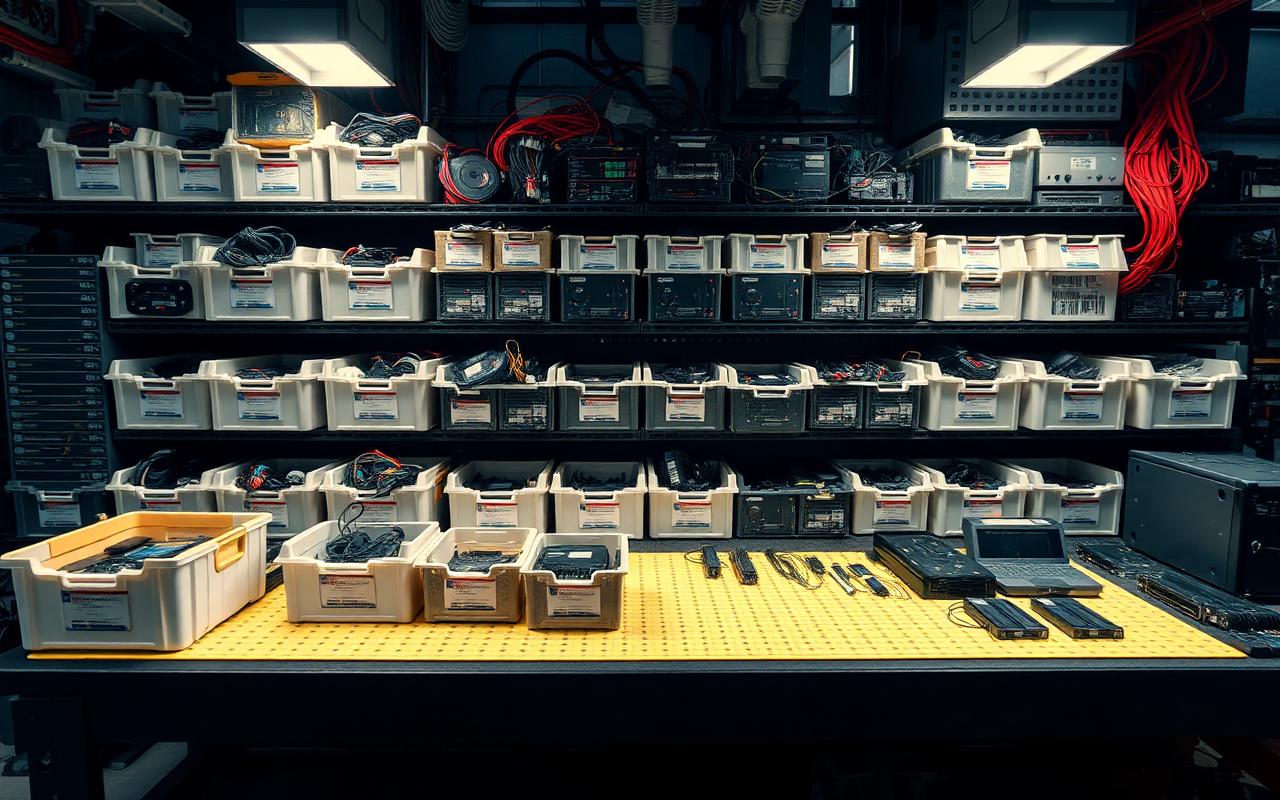
Site-level spares inventory planned against your installed estate, so critical replacements are available without waiting on a fresh purchase.
Repair vs Replace Assessment
Before a failed unit is replaced, repair is assessed as the right decision or not, based on age, cost, availability and your refresh timeline.
Failed Parts Disposition
Failed units collected, data wiped where applicable and routed to recovery, nothing left sitting in a storeroom.
Who it is for
Enterprises with large installed estates
Warranty and RMA managed across multiple OEMs and hardware categories without internal resource overhead.
Organisations with out-of-warranty infrastructure
Post-warranty parts and repair support for hardware that OEMs no longer fully support.
GCCs requiring fast replacement SLAs
Critical spares planned and held at site level to meet uptime requirements.
IT teams managing multiple support contracts
One contact replaces multiple OEM support relationships across the estate.
What your coverage includes
- 01
Estate audit
Installed assets, warranty status, OEM relationships and current coverage gaps documented.
- 02
Critical spares plan agreed
Parts held at site or central location based on your SLA requirements.
- 03
Failure reported
Warranty entitlement validated and replacement or RMA initiated immediately.
- 04
Replacement dispatched
Against your agreed response SLA.
- 05
Failed unit collected
Data wiped where applicable, routed to recovery.
Check availability for the parts your estate depends on
Share your installed hardware and SLA requirements, and coverage and spares planning are confirmed.