
What Is IT Lifecycle Management? A Complete Guide for Enterprise IT Teams in India
Team Blue Monk · 5 October 2026
Enterprise technology does not begin and end with buying laptops, servers or networking equipment.
Enterprise technology does not begin and end with buying laptops, servers or networking equipment.
Every IT asset moves through a journey. It is purchased, configured, used, maintained, reassigned, upgraded and eventually retired.
Managing that journey in a structured way is known as IT lifecycle management in India.
For enterprise IT teams, lifecycle management helps create better visibility across technology assets while making procurement, maintenance and retirement decisions more organised.
What Does IT Lifecycle Management Mean?
IT lifecycle management is the process of managing technology from acquisition to end-of-life.
Instead of treating procurement, deployment, support and retirement as separate activities, lifecycle management connects them into one continuous process.
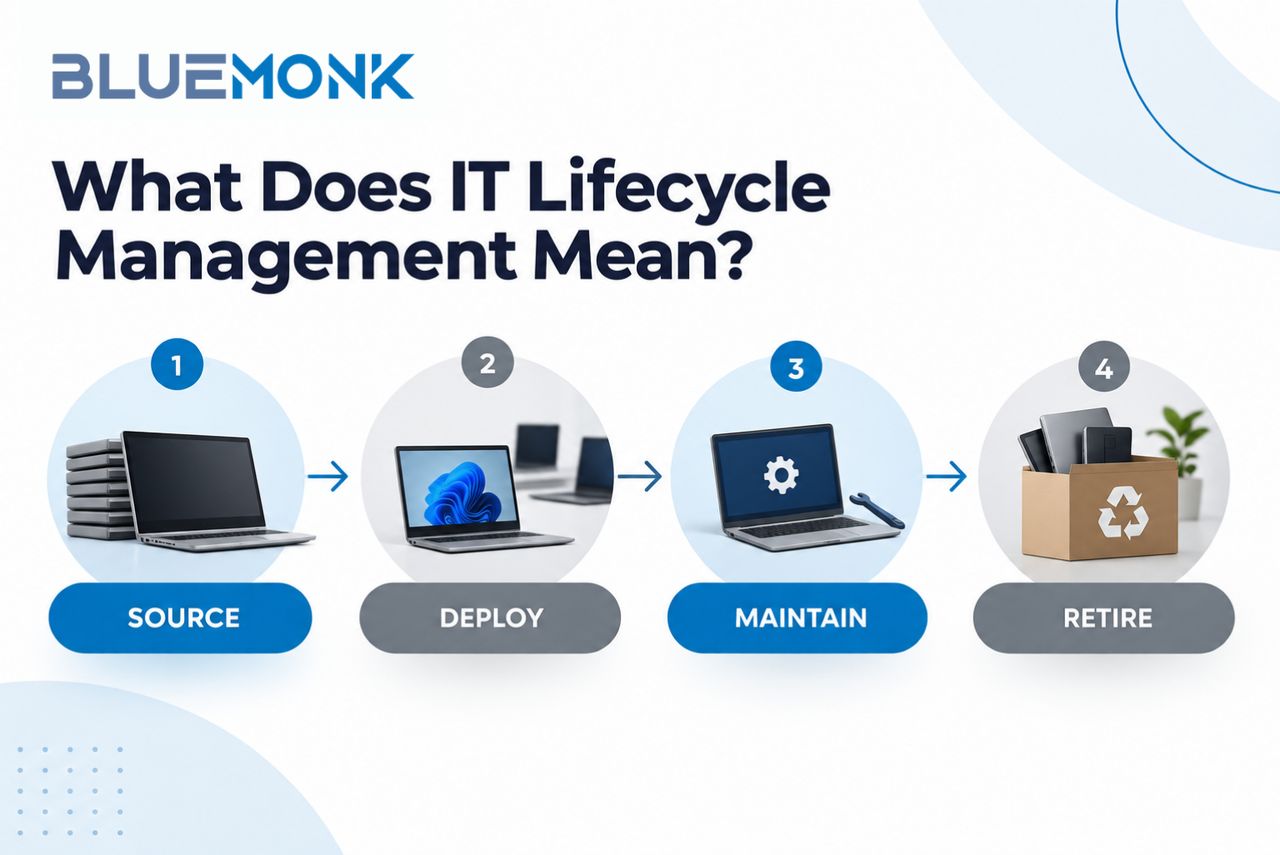
A simple enterprise lifecycle can be viewed as:
Source → Deploy → Maintain → Retire
The objective is to understand where every asset is, how it is being used, how much value it is delivering and what should happen when it is no longer needed.
Why IT Lifecycle Management Matters for Enterprises
As organisations grow, managing IT becomes more complicated.
A business may have assets spread across offices, remote employees, warehouses, data centres and multiple cities.
Without clear lifecycle processes, organisations may face problems such as:
- Inaccurate asset records
- Unplanned technology purchases
- Missing or unreturned devices
- High repair costs
- Unused equipment sitting in storage
- Weak retirement documentation
- Limited visibility into residual asset value
A structured enterprise IT lifecycle management process helps reduce these gaps.
The Main Stages of the IT Lifecycle
1. Source
The lifecycle begins with identifying what technology the organisation actually needs.
This includes selecting the right:
- Device category
- Hardware specifications
- Quantity
- Vendor
- Warranty
- Commercial terms
Good sourcing decisions can reduce unnecessary spending and make future IT management easier.
Enterprises should also record asset information at the time of purchase rather than trying to recreate it later.
2. Deploy
After procurement, devices need to be prepared for users.
This stage can include:
- Asset tagging
- Operating system setup
- Application installation
- Security configuration
- User assignment
- Location tracking
Accurate records at this stage are important because they create the foundation for future asset tracking.
3. Maintain
Once assets are in active use, the focus moves to keeping them productive and secure.
Maintenance can include:
- Hardware repairs
- Security updates
- Warranty management
- Battery replacement
- RAM or storage upgrades
- Device reassignment
- Performance monitoring
Good lifecycle management helps IT teams decide whether it makes more sense to repair, upgrade or replace an asset.
4. Retire
Eventually, every IT asset reaches a point where it is no longer suitable for its current user or business requirement.
Retirement should be planned carefully because devices may still contain sensitive company data and may also have residual value.
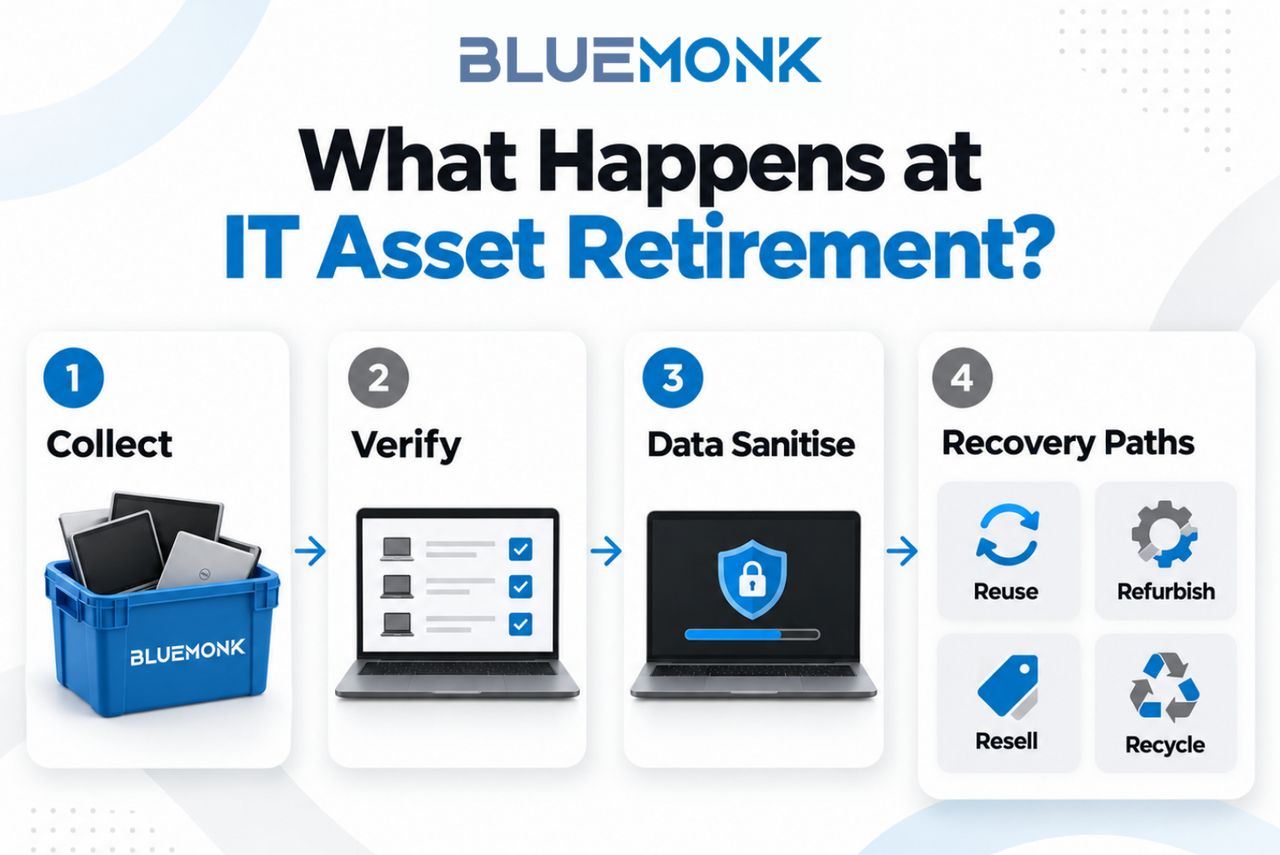
An effective retirement process can include:
- Asset collection
- Inventory verification
- Data sanitisation
- Device assessment
- Reuse
- Refurbishment
- Resale
- Recycling
This is where IT asset disposition becomes an important part of the lifecycle.
The objective is not simply to remove old equipment. It is to retire technology securely, traceably and responsibly.
IT Lifecycle Management and Asset Visibility
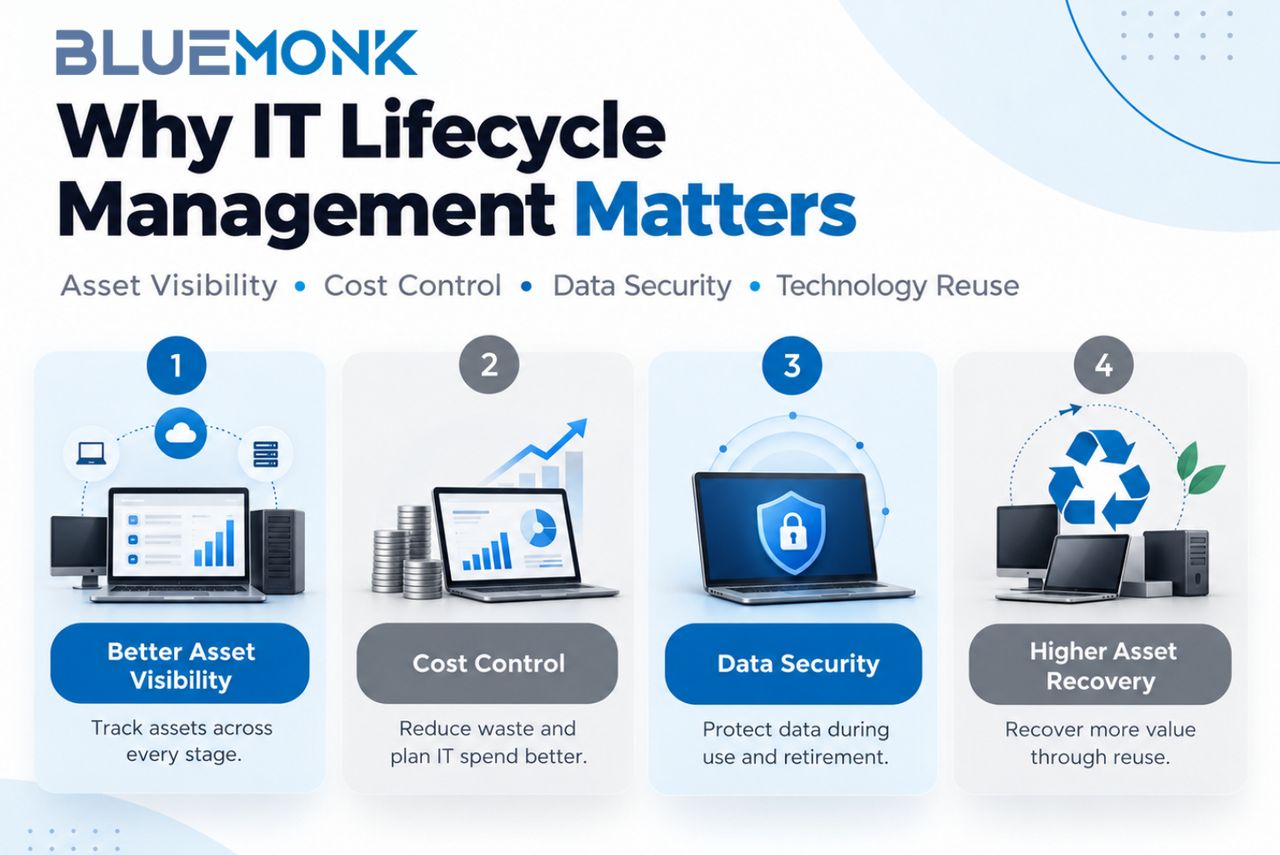
One of the biggest benefits of lifecycle management is better asset visibility.
Enterprise IT teams should ideally be able to answer questions such as:
- Who is using the device?
- Where is it located?
- When was it purchased?
- Is it still under warranty?
- Has it been repaired before?
- Is it due for replacement?
- Has it been returned by the employee?
Without accurate answers, planning becomes difficult.
Lifecycle management creates a more reliable view of the organisation's technology estate.
IT Lifecycle Management vs IT Asset Management
IT lifecycle management and IT asset management are closely related.
IT Asset Management
IT asset management focuses on recording, tracking and controlling technology assets.
It tells you what you have and where it is.
IT Lifecycle Management
Lifecycle management looks at what happens to that asset over time.
It helps answer questions such as:
- When should it be upgraded?
- When should it be replaced?
- Can it be reassigned?
- Does it still have resale value?
- How should it be retired?
In simple terms, asset management provides visibility, while lifecycle management supports decision-making across the asset's complete lifespan.
How Lifecycle Management Helps Control IT Costs
Technology costs do not stop at procurement.
Enterprises also spend money on:
- Repairs
- Support
- Upgrades
- Downtime
- Replacement
- Storage
- Retirement
A lifecycle-based approach helps organisations understand whether continuing to maintain an asset still makes financial sense.
For example, upgrading RAM or replacing a battery may extend the useful life of a business laptop.
In other cases, repeated repair costs may make replacement the better decision.
Lifecycle information helps IT teams make these decisions based on actual data rather than assumptions.
The Role of Reuse and Refurbishment
A device that is no longer suitable for one employee may still have useful life remaining.
Before sending technology directly for recycling, enterprises can evaluate whether it can be:
- Reassigned internally
- Refurbished
- Resold
- Used for lower-performance roles
This approach can improve asset recovery while reducing unnecessary electronic waste.
It also makes technology lifecycle management more efficient by extending the useful life of assets wherever practical.
Data Security at the Retirement Stage
Data security is one of the most important parts of IT asset retirement.
Old laptops, desktops and servers may still contain confidential information even when they are no longer being used.
Enterprises should therefore ensure that retired equipment goes through a defined data sanitisation process.
The process should also maintain clear documentation and chain of custody so teams know:
- What asset was collected
- Where it was sent
- Who handled it
- How the data was sanitised
- What happened to the asset afterwards
This makes technology retirement more controlled and auditable.
How Enterprises Can Improve IT Lifecycle Management
Maintain One Reliable Asset Register
Keep asset information centralised and regularly updated.
Standardise Device Categories
Create standard specifications for different employee roles wherever possible.
Track Asset Movement
Update records whenever devices move between employees, teams or locations.
Set Refresh Guidelines
Define when different asset categories should be reviewed for upgrade or replacement.
Plan Retirement in Advance
Do not wait until large quantities of obsolete equipment accumulate in storage.
Measure Recovery
Track how many assets are reused, refurbished, resold or recycled.
These steps can make enterprise technology easier to manage across its entire lifecycle.
Why IT Lifecycle Management Is Important in India
Indian enterprises are managing increasingly distributed technology environments.
Employees may work across multiple cities, offices and remote locations, making asset visibility and collection more challenging.
A structured approach to IT lifecycle management in India can help enterprises maintain stronger control over procurement, deployment, asset movement and retirement.
For organisations operating at scale, lifecycle management can also support more consistent technology policies across different business locations.
Frequently Asked Questions
What is IT lifecycle management?
IT lifecycle management is the process of managing IT assets from procurement and deployment through maintenance, upgrades and eventual retirement.
What are the stages of the IT lifecycle?
The main stages generally include sourcing, deployment, maintenance and retirement. Some organisations may divide these stages further depending on their IT operations.
Why is IT lifecycle management important in India?
It helps enterprises manage distributed IT assets, improve visibility, control technology costs and create structured processes for device maintenance and retirement.
What is the difference between IT lifecycle management and IT asset management?
IT asset management focuses on tracking and controlling assets, while lifecycle management focuses on how those assets are sourced, used, maintained, upgraded and retired over time.
What is IT asset retirement?
IT asset retirement is the process of removing technology from active use and deciding whether it should be reused, refurbished, resold or recycled after secure data sanitisation.
How can enterprises improve IT lifecycle management?
Enterprises can improve lifecycle management by maintaining accurate asset records, standardising hardware, tracking asset movement, defining refresh policies and planning technology retirement in advance.